Migrate to Webflow without losing rankings
Move from WordPress, Wix, or Squarespace to Webflow with a full redesign — 301 redirects, SEO equity transfer, and CMS migration handled, so your traffic and content come with you.


Trusted by marketing & tech companies










Staying put vs. moving to Webflow
Anyone can rebuild your site in Webflow. The hard part is moving without losing rankings, breaking pages, or being left on your own afterwards — that's the part we own.
What every migration includes
Whether you're on WordPress, Wix, Squarespace, or a custom build, every Sprint Re-launch covers the full move — so you switch platforms without losing traffic, rankings, or content.

Migration strategy
Every old URL audited and mapped to a 301 redirect before anything moves — no homepage dumping, no soft 404s, no lost link equity.

Custom redesign in Figma
A fully bespoke redesign — not a like-for-like reskin — reviewed with you before a single page is built.

CMS & blog migration
Existing posts and CMS items rebuilt on Webflow's CMS with their structure intact, so your content and URLs are preserved.

Content & asset migration
Copy, images, downloads, and media moved across and re-optimised for Webflow — nothing left behind on the old platform.
Responsive Webflow build
Pixel-accurate, fast-loading development that looks right on every screen size and is easy for your team to edit.
SEO equity transfer
Meta titles, descriptions, heading structure, alt text, and canonical tags carried over and cleaned up as part of the move. Redirect testing and indexing checks, so rankings and inbound links survive the cutover intact.
AI & search ready (AEO)
FAQ schema and clear page architecture so Google, ChatGPT, and Perplexity can cite your pages.
Analytics from day one
GA4 and Clarity wired up so you keep measuring traffic and behaviour straight through the switch.
Handover & Living Website setup
Training so your team can edit without code, plus analytics ready for continuous monthly optimization.
Should you migrate?
Migration pays off when the platform is holding you back. Here's when a move to Webflow makes sense — and when it can wait.
- You're on WordPress, Wix, Squarespace, or a legacy/custom build
- Plugins, security patches, or dev bottlenecks slow your team down
- You want marketing to edit and publish without filing engineering tickets
- You're worried a redesign could tank your hard-won rankings
- You want to modernize the design, not just lift-and-shift the old one
- You launched a custom, well-performing site very recently
- You have no existing traffic or SEO worth preserving yet
- You only need a few copy tweaks, not a platform move
Work that delivers results
A partnership where your website becomes a living asset is everything you need to stop guessing and start.
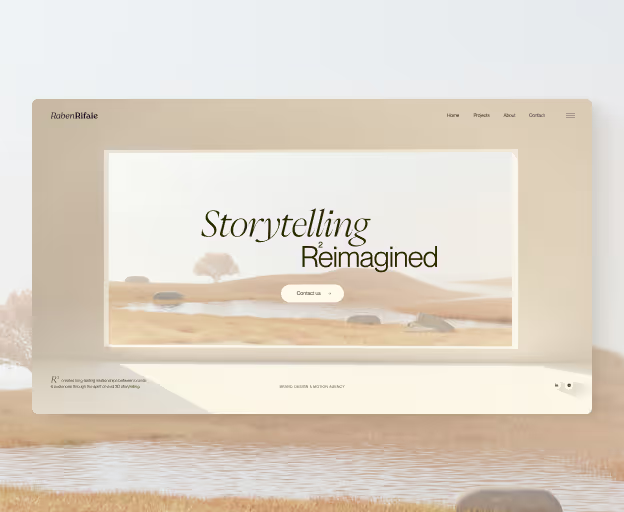
Animated, immersive website that earned 6 design awards including Awwwards recognition. Showcased cutting-edge design capabilities while maintaining exceptional performance and user experience.
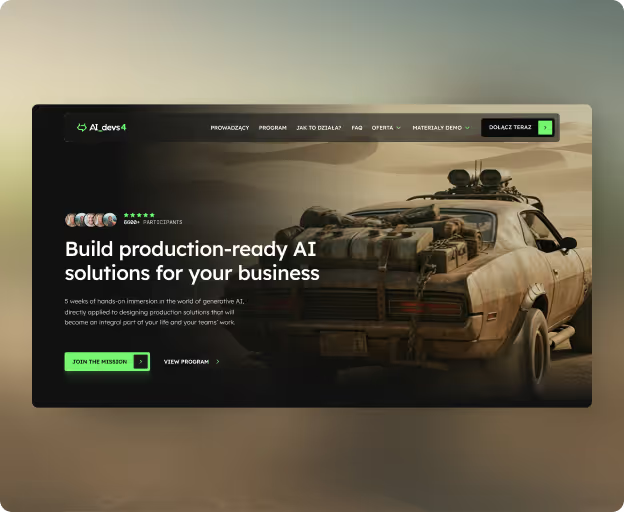
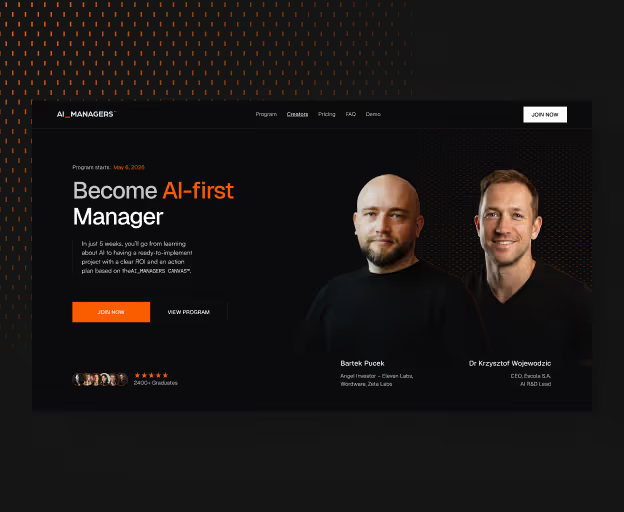
Webflow design and development for AI_Managers — the biggest AI implementation program for managers. Built a high-converting course landing page that supports both individual and enterprise enrollment, backed by an established community of over 2,400 graduates.
Complete rebrand and Webflow development for AI_Marketers 2 — Poland's leading AI education program for marketers. Delivered a fresh visual identity alongside a high-converting course landing page built to drive enrollments for the new cohort.

Migrate once, keep your rankings
A redirect-first migration process built so your SEO survives the switch — audit and map before anything moves, then redesign, launch, and keep improving.

Migration strategy
We inventory every URL, audit your current SEO, and map 301 redirects before anything moves — so rankings survive the switch.

Redesign Process
A fully custom redesign of your core pages — layout, messaging, and brand — reviewed with you before any rebuild. Not a template reskin of the old site.

Rebuild & Migrate in Webflow
We rebuild the approved design in Webflow and move your content, CMS, and blog across — structure intact, redirects in place.

QA, Analytics & Go-live
Supervised go-live with redirect verification and analytics from day one, so nothing breaks and tracking works from the first visitor.

Optimize as a Living Website
Once live, your site keeps evolving with monthly A/B tests and conversion work — improving on real data instead of going stale.
What our clients say
1 / 5

“They delivered a beautiful website, helping us establish and strengthen online presence, which led to new customers and increased brand outreach.”

Natalia Raben
Co-Founder @RabenRifaie
“Achromatic successfully finished all project stages. Their resources were flexible in terms of change requests. Overall, they truly delivered high-quality results.”

Sebastian Jakubiak
CEO @Sensonar
“They’re not building websites, they’re building high-impact digital assets that support real growth. I’d recommend Achromatic to any brand serious about digital presence.”

Mo Al-Tamimi
Global HR & Talent Innovator @BANQR
"Everything was on time, and their team was thinking ahead, identifying issues before they happened. They also increased lead generation and conversion readiness.”

Wojtek Hołysz
Product Marketing Manager @BRAVE Education
"We serve clients like Nestle, Santander, and Volkswagen - our website had to look and perform at their level. Achromatic understood that from day one."

Przemysław Kędzia
CEO @LLidero
“Working with Achromatic was a fantastic experience from start to finish. The team demonstrated exceptional professionalism, creativity, and technical expertise.”

Michał Węcławski
App Administator @LearncomPRO
“Achromatic Studio has great design skills and understanding of our business. They helped us achieve better customer onboarding, better conversion rates in the checkouts, and reduced onboarding time.”

Grzegorz Róg
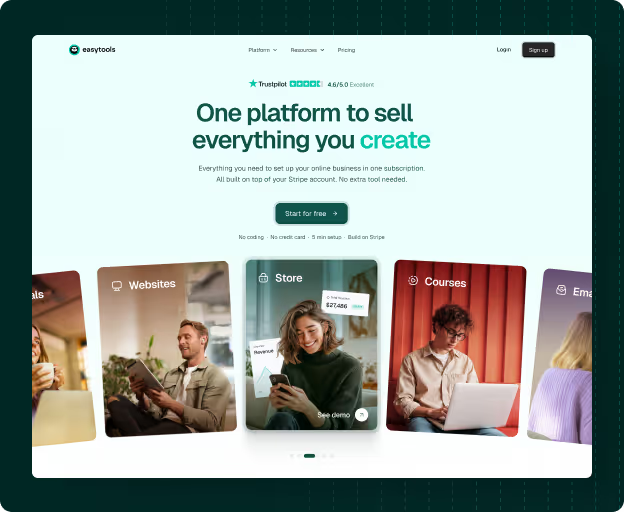
Co-Founder @Easytools
Frequently Asked Questions
Everything you need to know about working with us and the Living Website approach.
We’re hapy to anwser any questions before you commit to working together. Reach out anytime.
Schedule a call:


Will I lose my Google rankings when I migrate to Webflow?
Not when it's done right. We map every old URL to a 301 redirect, transfer your meta titles, descriptions, headings, and canonical tags, and verify redirects at launch — so link equity and rankings carry over to the new Webflow site instead of dropping.
How long does a Webflow migration take?
Most migrations launch in weeks, not months. Timeline depends on page count and whether you need copywriting, but we scope by clear page brackets so delivery and what's included are agreed before the project starts.
Can you migrate my WordPress blog and CMS content?
Yes. Existing blog posts and CMS items are migrated with their structure intact and rebuilt on Webflow's CMS, so your content and URLs are preserved and your team can edit everything without touching code.
Do I have to redesign, or can you migrate my site as-is?
A Sprint Re-launch pairs migration with a full custom redesign — it's a rebuild, not a like-for-like copy. We carry forward what already works, but most teams use the move to Webflow as the moment to modernize the whole site.
What platforms do you migrate from?
A WordPress to Webflow migration is our most common project, but we also move sites from Wix, Squarespace, and custom or legacy builds. We handle Webflow-to-Webflow relaunches too, when you want a full redesign rather than a light refresh.
Why move from WordPress to Webflow?
To escape plugin conflicts, slow load times, constant security patching, and dev bottlenecks. Webflow gives marketing teams the independence to publish, edit, and test fast — without filing engineering tickets — which is exactly what continuous optimization requires.
What happens to mo my site after the migration launches?
We set up analytics from day one and supervise go-live with redirect verification. From there your site can become a Living Website — optimized monthly with real user data instead of left static.
Not sure where to start?
Tell us where you are — we'll tell you if Sprint Re-Launch is the right fit, and what the next step looks like.